Digital mall directory: every store on an interactive 3D map
Visitors search by store name or category and see the store on the map. The directory runs on the web, on mobile and on directory screens in the centre, and the tenant list follows the leases in VemLease.
A 30 minute demo with a local Vemco team. Company email, no commitment.
A mall directory that stays current
Printed boards and separate store lists fall behind when tenants change. A digital mall directory follows the leases.
Visitors find the store
A visitor types a store name or picks a category and sees where the store is on the interactive mall map.
The tenant list follows the leases
Each store on the directory is linked to its lease in VemLease, through the Vemco platform. The connection is set up with you as part of the project.
One directory on every screen
The same directory is shown on the web, on a phone and on directory screens or kiosks in the centre.
From floor plans to a digital mall directory
The map is built from the floor plans you already have. The store list comes from your leases.
1. Your floor plans become a 3D map
You send the floor plans as CAD, PDF or image files. The interactive 3D map is built from them, with our indoor mapping partner Mappedin.
2. Stores are linked to their leases
Each store on the map is linked to its lease in VemLease, through the Vemco platform. This is set up with you as part of the project.
3. Each store gets its details
Opening hours and a short description are added per store. Step-free routes can be shown on the map.
4. The directory goes live
The directory is opened on the web and on mobile, and shown on the directory screens or kiosks you choose in the centre.
Where Vemcount counts visitors, footfall per entrance can be shown on the same map for the centre team.
The same map for leasing and asset management
Leasing map
Available units on a map the leasing team presents from and prospects open from a link.
Stacking plan
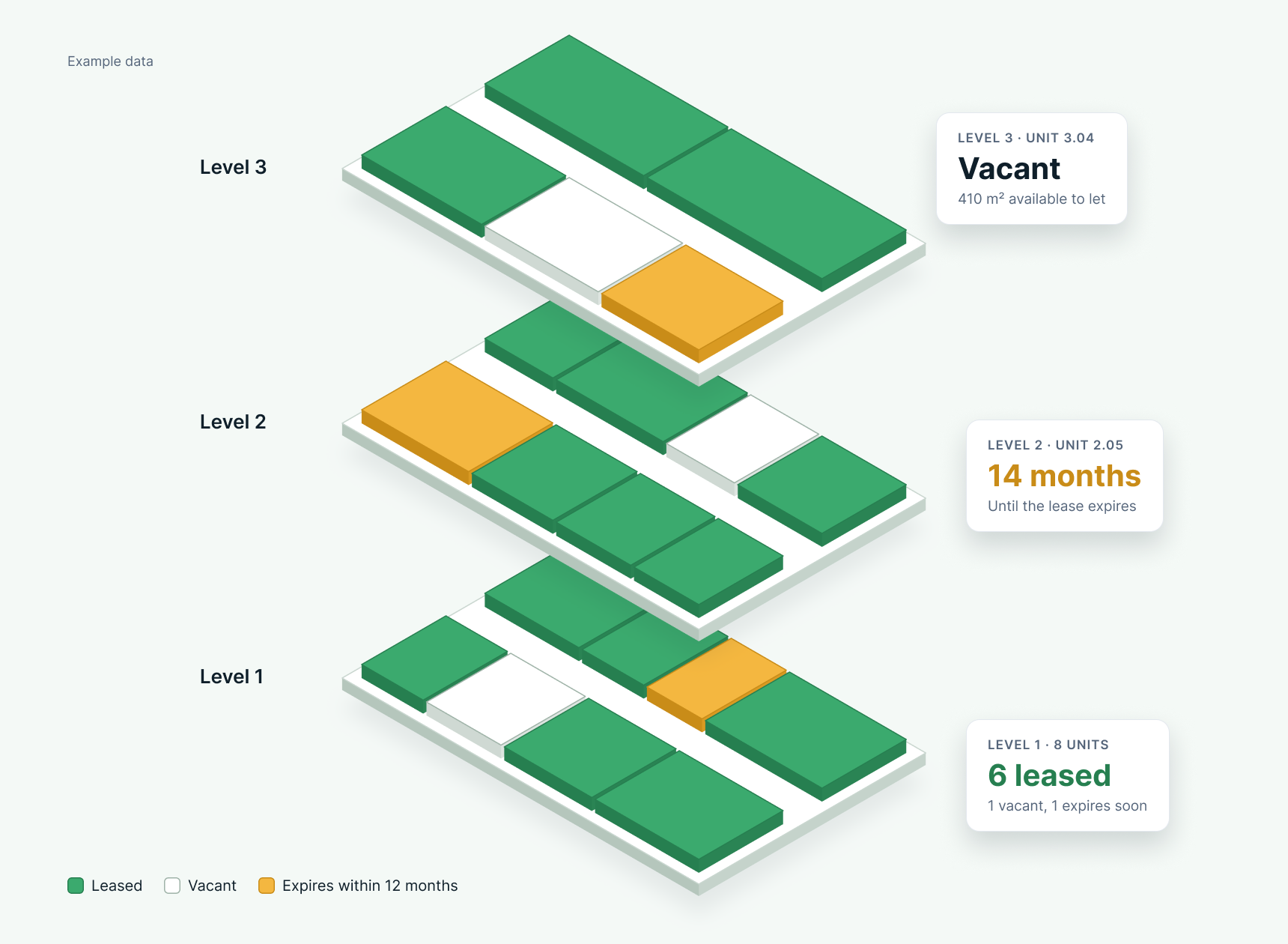
Every floor with lease status, vacancy and expiry year for asset managers.
Shopping centres
How VemLease works for shopping centre landlords and centre management.
Digital mall directory: common questions
What is a digital mall directory?
A digital mall directory is a searchable list of the stores in a shopping centre, shown on an interactive mall map. Visitors search by store name or category on the web, on a phone or on a directory screen in the centre.
Where does the tenant list come from?
From VemLease, through the Vemco platform. Each tenant on the directory is linked to its lease, and the connection is set up with you as part of the project.
What is shown for each store?
The store name, where it is on the map, its opening hours and a short description. Step-free routes can also be shown.
Do we need sensors or other hardware for the map?
No. The map is software, delivered as a service. The directory is shown on the screens you choose.
See your centre as a digital mall directory
A 30 minute demo with a local Vemco team. Company email, no commitment.