Residential property management software for apartment buildings and portfolios
Every tenancy agreement of the portfolio on one register: the buildings, the homes, parking spaces and storage rooms, the rent with its steps and indexation, the dates, and the running costs of each building from budget to settlement. Built for the owners and managers of apartment buildings and residential portfolios.
A 30 minute demo with a local Vemco team. Company email, no commitment.
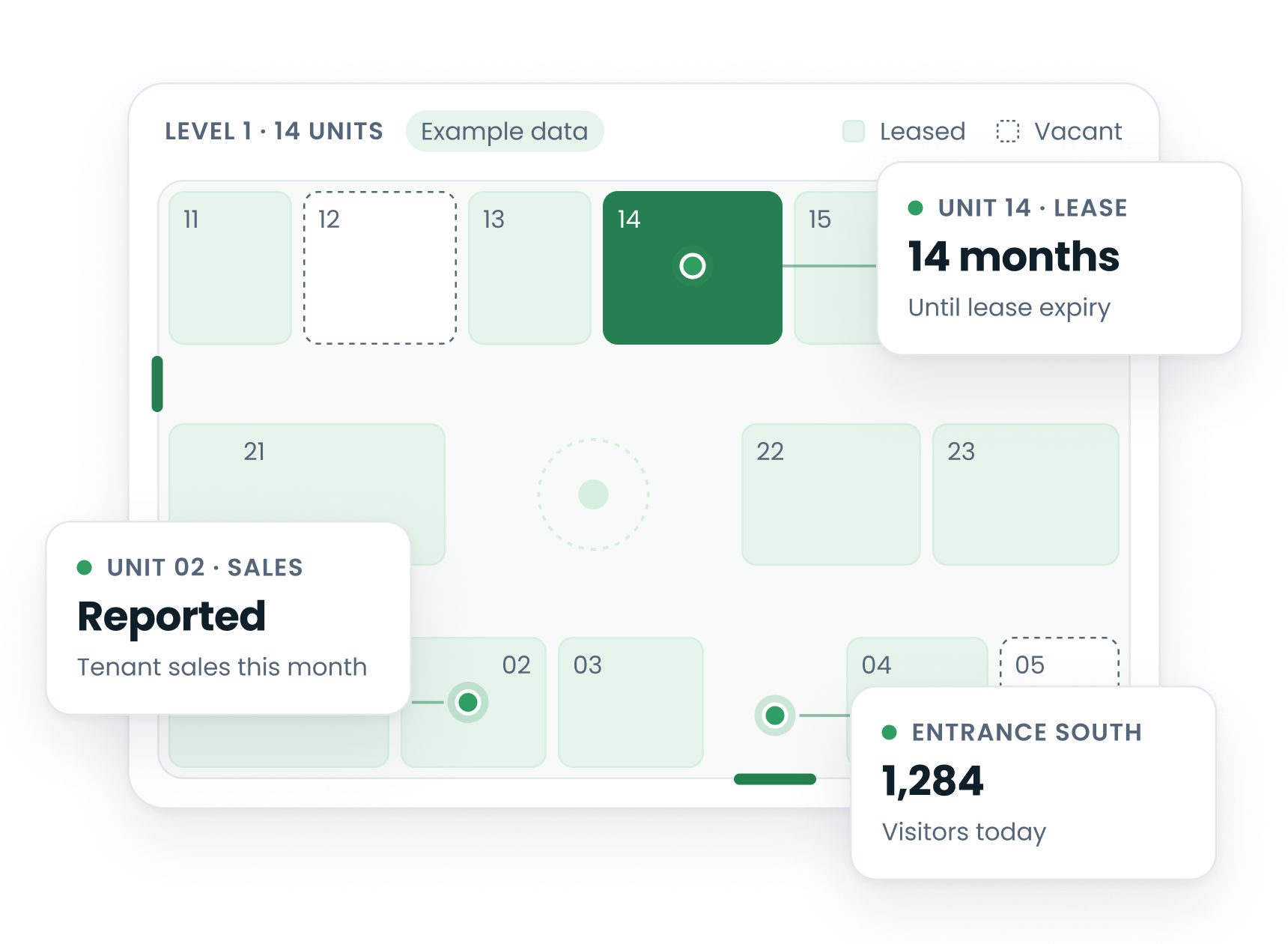
What a residential owner keeps in VemLease
A residential portfolio is many small units on many agreements, with a rent that changes by rule and running costs that have to be shared fairly between the homes. VemLease keeps the building, the units, the agreements and the costs in one system, where the property and finance teams can see them.
The building and its homes
The building with its address, its floors and, where it applies, its portals or staircases, and every unit in it: homes, parking spaces and storage rooms, each with its area, its status and its start and end date.
Units that change
When two apartments become one, or a ground floor is divided into two, the units are split or merged from a date. The old units are ended, never deleted, so the agreement and invoice history stays readable.
Agreements with their dates
End dates, renewal dates and the other critical dates of each agreement are tracked with alerts before they fall due.
Rent steps and indexation
Rent steps and indexation are set on the agreement in one flow, so the rent of every home is known for every year of the term. In several markets government indexes are read automatically.
The running costs of the building
The cost budget of the building, the allocation keys, the quota invoices and the year-end settlement, for a building let by one owner or shared between several owners.
Owners, companies and portfolios
A unit can have several owners with their ownership percentages. Agreements are kept per company and per management file, so a portfolio across legal entities and markets runs in one system.
The cost year of an apartment building, from budget to settlement
In a residential building the running costs are where most of the questions from tenants and owners come from. This is how the year runs when the building is in VemLease.
1. The budget is set on the building
The expense budget for the year is entered per cost line: cleaning, the lift, utilities of the common areas, insurance, maintenance and administration.
2. The budget is split by allocation keys
Each cost line is split between the units by an allocation key: a coefficient per unit, or a direct charge to one unit. As many keys as the building needs, defined once on the building. Where a unit has several owners, its quota is split by their ownership percentages.
3. Quotas are invoiced and costs are followed
The quotas are invoiced monthly or quarterly and collection is followed. Supplier invoices are recorded through the year and compared with the budget.
4. The year is settled
At year end the budget is settled against the actual costs and each unit’s share is compared with what was billed, so the amount due or the credit follows from the year, not from a spreadsheet built in January.
Which costs may be passed on to a tenant, and with which limits, differs by market and by agreement and is for your legal adviser; VemLease keeps what was agreed and bills it as agreed.
Letting and cost sharing, together or apart
VemLease has two areas that can be used separately or together on the same building: letting, which earns income from the units, and cost control, which shares the running costs between the owners. A company that lets the apartments it owns uses both. A building whose homes belong to many owners uses the cost side for all of them and the letting side for the owners who let.
Letting
Owners, tenants, lettable units, agreements, invoicing and management files. The rent roll of the building is built from the agreements.
Cost sharing
The building’s budget, its allocation keys, the quota invoices to each unit, the supplier invoices against the budget and the year-end settlement.
Users see only the menus they have rights to, so a letting team and an accounting team work in the same system without seeing each other’s screens.
The agreement, next to your other systems
VemLease is the agreement, rent and cost side. It connects to the systems that hold the rest.
Your ERP and CRM
Connectors for SAP, Microsoft Dynamics, Sage and Salesforce, a REST API for the rest, and a SQL Server data cube that any BI tool can read.
Shops in the building
Where a building has shops on the ground floor, their leases carry turnover rent on the sales the tenants report through the tenant portal, on the same building as the homes.
The rest of the portfolio
Offices, shopping centres and retail units are run in the same system, with the rent roll and the critical dates reported across the portfolio.
One system behind the portfolio
Each part of the work has its own page.
Lease administration
Leases and agreements, critical dates, rent steps and charges in one system.
CAM and service charges
The charges of each lease, reconciled next to the lease they come from.
Lease tracking and critical dates
Renewals, options, reviews and expiries, with alerts before they fall due.
Other property types
The same system for mixed-use buildings, offices and shopping centres.
A property system with a company behind it
The software is most of the decision. The rest is who stands behind it.
More than 20 years of lease management
VemLease was tbGold365 for more than 20 years. Today it is part of Vemco Group, and 1,500+ properties are managed with it.
A local team
Your demo and your support come from Vemco Group’s local offices. VemLease is cloud based: as a shared service on AWS, in a separate AWS account for your company, or installed in your own Azure, Google or AWS cloud.
A platform buildings already use
Vemco Group has 55,000+ installations in 98+ countries and counts 60+ million people a day, in retail chains, shopping centres, offices and public buildings.
Residential property management software: common questions
What is residential property management software?
Residential property management software keeps the homes, tenancy agreements, rents and running costs of residential buildings in one system: the units of each building, the agreement of each tenant with its rent, dates and clauses, the cost budget of the building and its settlement, and the invoices that follow from them. VemLease is that agreement, rent, cost and reporting side for owners and managers of apartment buildings and residential portfolios. It is not a listing, tenant screening or maintenance tool; it connects to the systems that do that work.
Is VemLease for a landlord with a few flats?
VemLease is built for portfolios: apartment buildings, residential portfolios held in one or several companies, and buildings that mix homes with shops or offices. If you let two or three flats, a simpler tool will serve you better. If you run buildings, VemLease keeps the agreements, the rent and the costs of every building in one place.
Can one building hold apartments and shops?
Yes. A building in VemLease holds units of different types: homes, shops, offices, parking spaces and storage rooms. The shop lease carries its own clauses, such as turnover rent, and the residential agreements carry theirs, on the same building with one cost budget. See VemLease for mixed-use properties.
How does VemLease handle rent indexation on residential agreements?
Rent steps and indexation are set on the agreement when it is created, in one flow, so the rent of every home is known for the years ahead. In several markets government indexes can be read automatically and applied through the clause. What an agreement may say about rent increases differs by market and is for your legal adviser; VemLease keeps what was agreed and bills it as agreed.
How are the running costs of a building shared between the homes?
By allocation keys defined on the building: for each cost line a coefficient per unit, or a direct charge to one unit, with as many keys as the building needs. The budget is split by those keys into quotas, the quotas are invoiced monthly or quarterly, and at year end the budget is settled against the actual costs. Where a unit has several owners, the quota is split by their ownership percentages.
Which systems does VemLease connect to?
VemLease has connectors for SAP ERP, Microsoft Dynamics, Sage and Salesforce, a REST API, and a SQL Server data cube that any BI tool can read, next to customisable reports and dashboards.
See VemLease on your own portfolio
A 30 minute demo with a local Vemco team. Company email, no commitment.